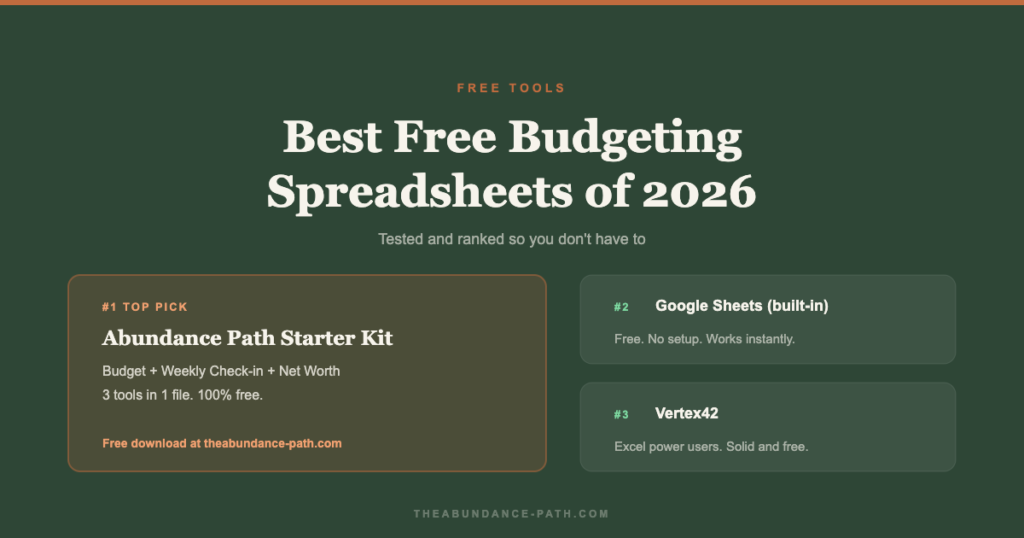
Budgeting apps are great. But a lot of people prefer spreadsheets — you see everything, you control everything, and there’s no subscription fee.
We tested the most widely used free options. Here’s the honest ranking.
What Makes a Good Budgeting Spreadsheet?
Three things: it’s simple enough to actually use every month, it shows you what matters (income vs. expenses vs. savings gap), and it doesn’t require a finance degree to set up.
A beautiful spreadsheet you never open is worth nothing.
1. The Abundance Path Starter Kit (Free)
We built this one specifically for families who are starting from scratch or tired of overbuilt templates. It includes three tabs: a monthly budget, a weekly check-in, and a net worth tracker.
No macros. No pivot tables. Just clear categories, automatic totals, and a summary that shows your gap at a glance.
Best for: Beginners and anyone who wants one simple file that covers everything.
Get it: Download the free Starter Kit here →
2. Google Sheets Budget Template (Built-in)
Google Sheets has a built-in annual budget template (File → New → From template gallery → Budget). It’s clean, functional, and auto-calculates everything. The monthly breakdown is solid for tracking fixed vs. variable expenses.
Downside: No net worth tracker, no savings goal tracking, and the annual view can feel overwhelming to start.
Best for: People who want something instantly available with zero setup.
3. Vertex42 Budget Templates
Vertex42.com offers several free Excel and Google Sheets budget templates that have been around for years. The monthly household budget is well-designed and handles irregular income better than most.
Downside: The free versions are occasionally nudged toward paid upgrades. The design is dated but functional.
Best for: Excel users who want a proven, no-frills template.
4. Tiller Money (Free Trial, Then $79/year)
Technically not free, but worth mentioning because it’s the gold standard for spreadsheet budgeters. Tiller automatically pulls your bank transactions into Google Sheets or Excel daily. You still get the control of a spreadsheet without the manual entry.
The free trial is 30 days. If you love spreadsheets and hate manual entry, $79/year is worth it.
Best for: Spreadsheet power users who want automation.
5. Dave Ramsey’s Free Budget Forms
Ramsey Solutions offers a free monthly cash flow plan spreadsheet. It’s built around the zero-based budgeting method and is clear and functional. The category list is comprehensive.
Downside: It’s a lead magnet, so expect follow-up emails. The design is basic. No Google Sheets version — Excel only.
Best for: Zero-based budgeting fans who use Excel.
Which One Should You Use?
The best budgeting spreadsheet is the one you’ll open on the first of every month without dreading it. Start simple. You can always upgrade later.
If you’re not sure where to start, download our free Starter Kit. It’s three tools in one file and takes about 20 minutes to set up for the first time.
Need help filling it out? Our beginner’s budgeting guide walks through the whole process step by step.
Once the budget is running, the next tool you need is a net worth tracker. It’s included in the Starter Kit — and it’s the one number that shows you whether you’re actually moving forward.
More articles
 Free tools
Best Free Tools to Track Your Net Worth in 2026
Read → Savings
High-Yield Savings Accounts: Why Your Bank Is Quietly Costing You Money
Most banks pay almost nothing on savings. A high-yield savings account fixes that in one afternoon, no risk and no investing knowledge required.
Read → Budget
Buy Now, Pay Later Is Quietly Wrecking Your Budget (Here’s the Fix)
Buy now pay later feels harmless at checkout, but it's quietly wrecking budgets everywhere. Here's how the trap works and exactly how to fix it.
Read →